Build your first OunceMCP server in 15 minutes.
Two read-only tools, a passing ouncemcp check, and the server running in Claude Desktop or Cursor, with the exact commands and their real output.
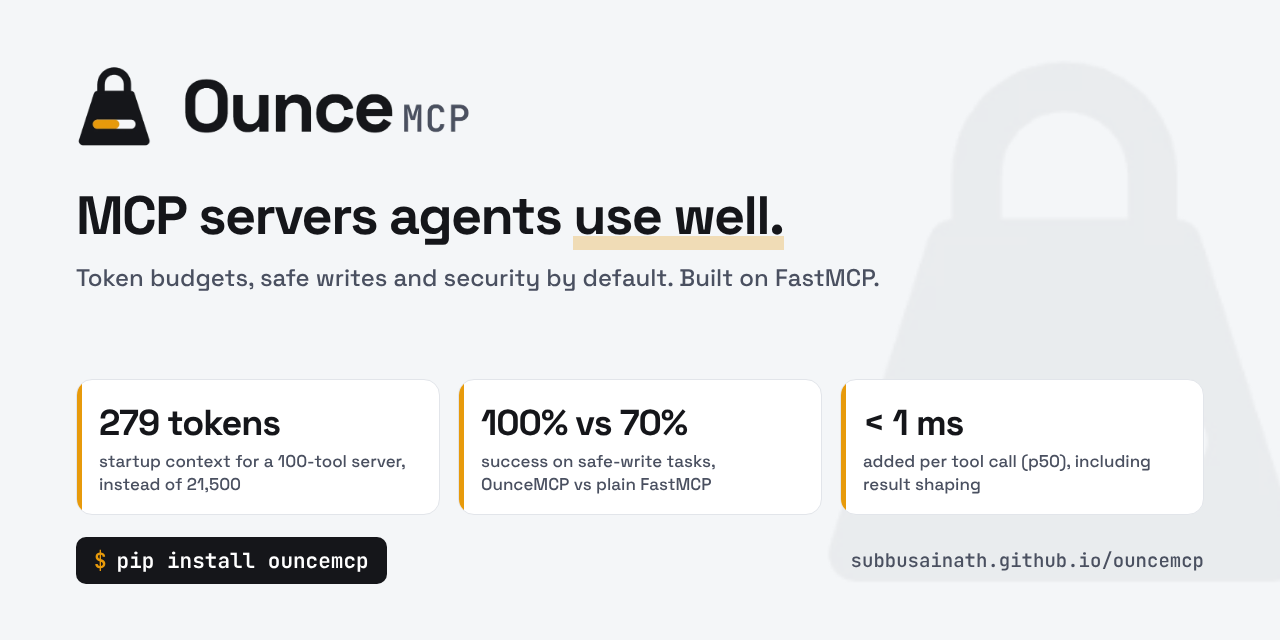
A first MCP server often takes ten minutes and works on the first try. The model calls it, gets an answer, and the demo goes well. Then someone asks what it costs per session, or why the model passed a book title where an id was expected, and there’s no good answer, because nothing in the server was ever measured. That gap is the first of the problems that made me build OunceMCP.
This part builds a small server that is measured from the start: two read-only tools, a check you can run in CI, and the server connected to a real host. By the end you’ll know how to read every line ouncemcp check prints, which is the habit the rest of the series builds on.
We’ll use Shelf, the lending-library project from The OunceMCP Book. Every stage of it is a real file in the repository that the test suite runs, so the code here is tested.
Set up: two minutes
git clone https://github.com/subbusainath/ouncemcp
cd ouncemcp
python -m venv .venv && source .venv/bin/activate
pip install "ouncemcp==1.0.0rc3"
The library’s data lives in examples/book/shelf/library.py: 60 books split across two branches, north and south. It’s plain Python with no OunceMCP in it. All you need to know is that make_catalog() returns a dictionary of books keyed by id, b-001 to b-060.
The whole server
Here is examples/book/shelf/step1_catalog.py, with only its module docstring and the Book’s snippet markers left out:
from __future__ import annotations

from library import make_catalog
from pydantic import BaseModel, Field

from ouncemcp import Effect, NotFound, OunceServer

CATALOG = make_catalog()

server = OunceServer(
    "shelf",
    instructions="A library catalog. Search for books, then get one book by its id.",
)


class BookSummary(BaseModel):
    id: str
    title: str
    author: str


class SearchResult(BaseModel):
    books: list[BookSummary] = Field(max_length=10)
    total: int


class BookDetail(BaseModel):
    id: str
    title: str
    author: str
    subject: str
    year: int
    branch: str


@server.tool(name="books.search", effect=Effect.READ)
def search(
    query: str = Field(description="Words from the title or the author's name"),
    limit: int = Field(5, ge=1, le=10),
) -> SearchResult:
    """Find books whose title or author contains every word of the query.
    Use books.get for the details of one book."""
    words = query.lower().split()
    found = [
        b for b in CATALOG.values() if all(w in f"{b.title} {b.author}".lower() for w in words)
    ]
    return SearchResult(
        books=[BookSummary(id=b.id, title=b.title, author=b.author) for b in found[:limit]],
        total=len(found),
    )


@server.tool(name="books.get", effect=Effect.READ)
def get(id: str = Field(description="Book id from books.search, for example b-007")) -> BookDetail:
    """Get one book: title, author, subject, year and branch. Use books.search to find ids."""
    book = CATALOG.get(id)
    if book is None:
        raise NotFound(f"No book with id '{id}'.", hint="Use books.search to find ids.")
    return BookDetail(
        id=book.id,
        title=book.title,
        author=book.author,
        subject=book.subject,
        year=book.year,
        branch=book.branch,
    )


if __name__ == "__main__":
    server.run()
If you have used FastMCP, this looks familiar on purpose. OunceServer wraps a FastMCP server. Two things are different, and OunceMCP refuses to start without them. A third is a convention worth keeping.
Every tool needs an effect and a type
An effect. Effect.READ says the tool changes nothing. Writes are Effect.WRITE or Effect.DESTRUCTIVE, and the effect decides retries, approvals and lints later in the series. It is never guessed. Leave it out and the server fails at import: “Tool ‘books.search’ must declare effect=Effect.READ, Effect.WRITE, or Effect.DESTRUCTIVE”.
A typed result. The return annotation must be a Pydantic model. It becomes the tool’s output schema, and in part 3 it is what lets OunceMCP trim a result that is too big without breaking its shape. Remove the annotation and the server fails at import with “Tool ‘books.search’ must be annotated to return a Pydantic model (typed outputs, spec CAP-1)”. Mistakes like these surface when you write them, not when a model trips over them in production.
A name, by convention. books.search and books.get follow a noun.verb pattern, so related tools sort together and the model can tell them apart. The name is optional: without one, the tool takes the function’s name (search), and nothing warns you, so set it yourself.
Descriptions are written for the model
The docstring is the tool’s description, and each Field(description=...) documents a parameter. The model reads these to decide which tool to call and what to pass. The Book gives three rules:
- Say what the tool does and what it returns.
- Say where argument values come from: “Book id from books.search”.
- Point to the next tool: “Use books.get for the details of one book”.
Bounds matter as much as words. limit: int = Field(5, ge=1, le=10) stops a model asking for 10,000 rows, and Field(max_length=10) on the result list says the result can never hold more.
Errors are values too. When a book doesn’t exist, NotFound carries a message and a hint the model can act on. You’ll see what the model receives in a moment.
Run it
ouncemcp dev examples/book/shelf/step1_catalog.py[ouncemcp] shelf: 2 tools
books.search 162 tokens
books.get 135 tokens
startup context: 297 tokens (warn at 4,000); discovery: direct (direct costs 297 tokens, within the 4,000-token threshold); counted with o200k_base
[ouncemcp] dev: serving over http at http://127.0.0.1:8000/mcpdev restarts when you save, and prints one line per call. Point any MCP client at http://127.0.0.1:8000/mcp, such as the MCP Inspector, and call books.search with {"query": "ada"}, then books.get with an id that doesn’t exist:
[ouncemcp] call books.search ok 99/2,000 tokens 3.6 ms
[ouncemcp] call books.get error 24 tokens 2.5 ms (not_found:not_found)
The search result used 99 of its 2,000-token budget. The failed lookup gave the model this, and nothing else:
[ouncemcp] Not found: No book with id 'b-999'. Use books.search to find ids.{"ouncemcp": {"error": "not_found", "category": "not_found", "retryable": false,
"docs": "https://github.com/subbusainath/ouncemcp/blob/main/docs/errors/not_found.md"}}A message, a hint, a machine-readable category and whether retrying helps. A raw KeyError: 'b-999' gives the model nothing to act on.
Connect a real host
Desktop hosts start the server themselves over stdio. Find the two paths first:
which python                                  # inside the activated .venv
realpath examples/book/shelf/step1_catalog.py
Claude Desktop. Open claude_desktop_config.json (on macOS it is in ~/Library/Application Support/Claude/, on Windows in %APPDATA%\Claude\) and add mcpServers inside its top-level object, with your two paths:
"mcpServers": {
  "shelf": {
    "command": "/FULL/PATH/TO/ouncemcp/.venv/bin/python",
    "args": ["/FULL/PATH/TO/ouncemcp/examples/book/shelf/step1_catalog.py"]
  }
}
Quit the app fully, reopen it, and ask in the Chat tab: “Which books by Ada Moreau does the library have?”
Cursor. Put the same mcpServers object, wrapped in { }, in .cursor/mcp.json in the folder you have open. Turn the server on in Cursor Settings, MCP, wait for the green dot, and use the chat in Agent mode.
I’ve verified this launch path with an MCP stdio client against 1.0.0rc3; the repository’s compatibility matrix records Claude Desktop and Cursor runs of the example servers.
See exactly what the model sees
Before you tune anything, look at it:
ouncemcp context examples/book/shelf/step1_catalog.py books.get{
"name": "books.get",
"description": "Get one book: title, author, subject, year and branch. Use books.search to find ids.",
"inputSchema": {
"type": "object",
"additionalProperties": false,
"properties": {
"id": {
"description": "Book id from books.search, for example b-007",
"type": "string"
}
},
"required": [
"id"
]
},
"outputSchema": { ... }
}
135 tokens (description 21, input schema 38, output schema 64, other 12) [OK] counted with o200k_baseI’ve shortened the output schema here; the command prints all of it. Every character of that definition is in the model’s context for the whole session.
Read the check, line by line
ouncemcp check examples/book/shelf/step1_catalog.pyTokenizer o200k_base
Startup context 297 tokens across 2 tools [OK, budget 4,000]
Output schemas 140 of 297 tokens (47%)
Counted name, description, inputSchema, outputSchema
Not counted title, annotations, _meta
Tool Total Desc Input Output Other Status
books.search 162 23 54 72 13 OK
books.get 135 21 38 64 12 OK
Per-tool budget: target 250, warn 500, fail 1000
Discovery direct (direct costs 297 tokens, within the 4,000-token threshold)- Startup context is what every session pays before the user says anything: all definitions, counted on the JSON a client receives.
- Output schemas is the share taken by typed results. Here it’s almost half. Typed outputs help the model and the host, but they aren’t free; in the benchmark from part 1 they were about half of the extra definition size.
- The table splits each tool into description, input, output and the rest (the name and JSON punctuation).
- Per-tool budget is the default: aim for 250 tokens a tool, warn at 500, fail at 1,000.
- Discovery says whether the host gets every definition or a search tool instead. That’s part 6.
check also reads definitions the way a model would. A careless version of books.search with an undocumented query, a free-form filters: dict and the docstring "Search." gets this:
Lints:
  WARNING [undocumented-parameter] books.search: query has no description; say what the value is and where it comes from
  WARNING [free-form-input] books.search: filters accepts any structure; declare a model or typed fields
  WARNING [description-too-short] books.search: description has 1 words; say what the tool does and returns
Each lint links to a rule page with the reason and the fix. check exits non-zero when a tool is over its fail budget, so put it in CI and a definition can’t grow unnoticed.
Try it
Your own project, with tests and CI from the start, in the same virtual environment:
ouncemcp init notes-server
cd notes-server
pip install -e ".[dev]"
python -m pytest -q
ouncemcp check server.py
6 passed in 1.41s
Tokenizer o200k_base
Startup context 300 tokens across 2 tools [OK, budget 4,000]The last command prints the full table; the first lines are shown here. init itself suggests uv for these steps, and either works.
init writes server.py with notes.search and notes.add, a test file, and a GitHub Actions workflow that runs the tests and ouncemcp check. Replace the tools with your own and keep the check green.
What it doesn’t do yet
This server answers from a fixed catalog and returns at most ten books. A model that wants the eleventh book by an author has no way to ask for it. And check measures definitions, not results. Results have their own budget, 2,000 tokens by default, and paging and budgets are the subject of part 3.
Takeaways
- An OunceMCP tool needs a declared
Effectand a Pydantic return type, or the server won’t start. Give it anoun.verbname too; nothing enforces that. - Write descriptions for the model: what it does, what it returns, where values come from, what to call next.
ouncemcp devshows tokens per call;ouncemcp contextshows exactly what the model receives.- The startup context that
ouncemcp checkreports is the number to watch in review and in CI.
You now have a measured server. Next, we make it say what it leaves out. If something in this part didn’t work for you, open an issue and I’ll fix the docs, or tell me on LinkedIn.
Next in the series: part 3, Token budgets, and pagination that never lies, is coming soon.
Read alongside: chapter 2 of The OunceMCP Book, A first server, and the quickstart.